 Consoland
llote
A terminal-native note-taking utility with semantic search.
v1.1.0 out for Windows on the Microsoft Store.
Features
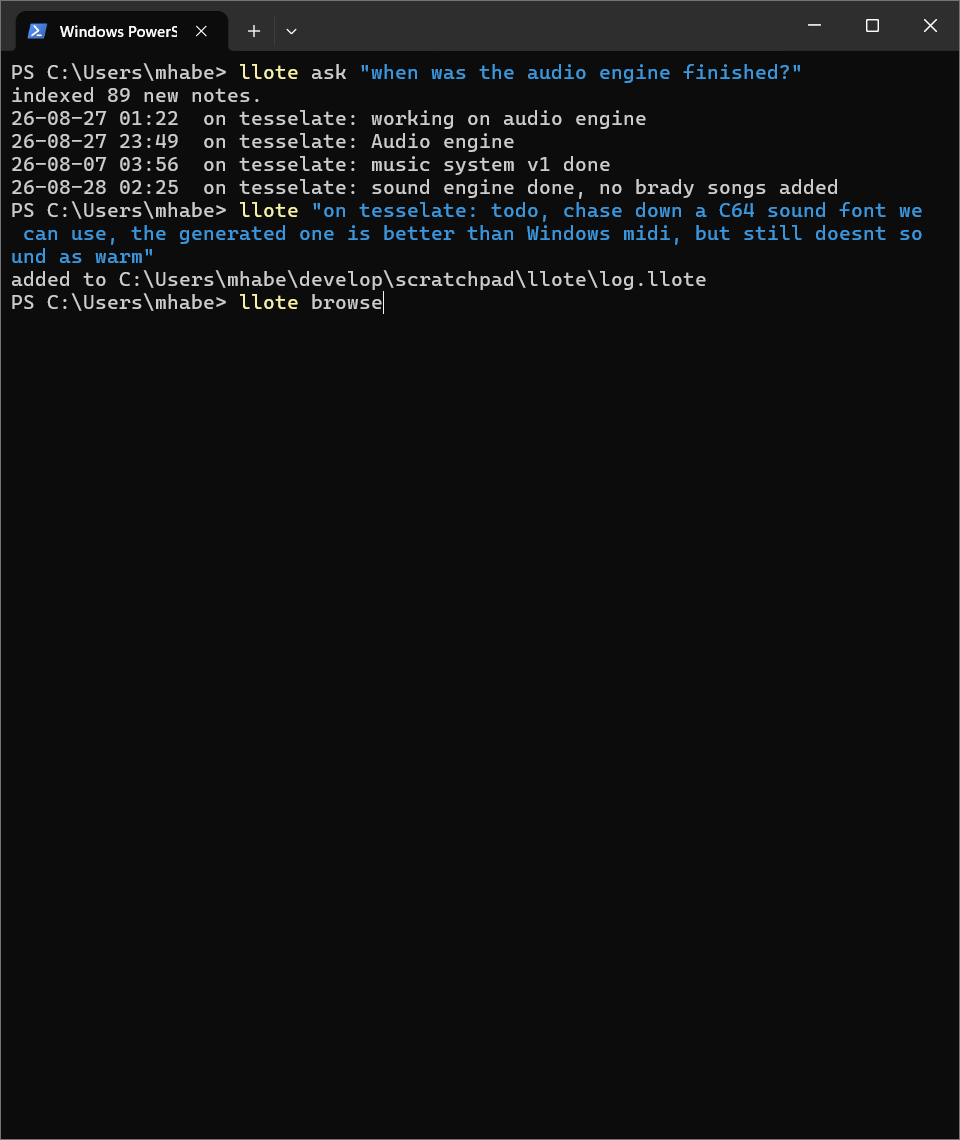
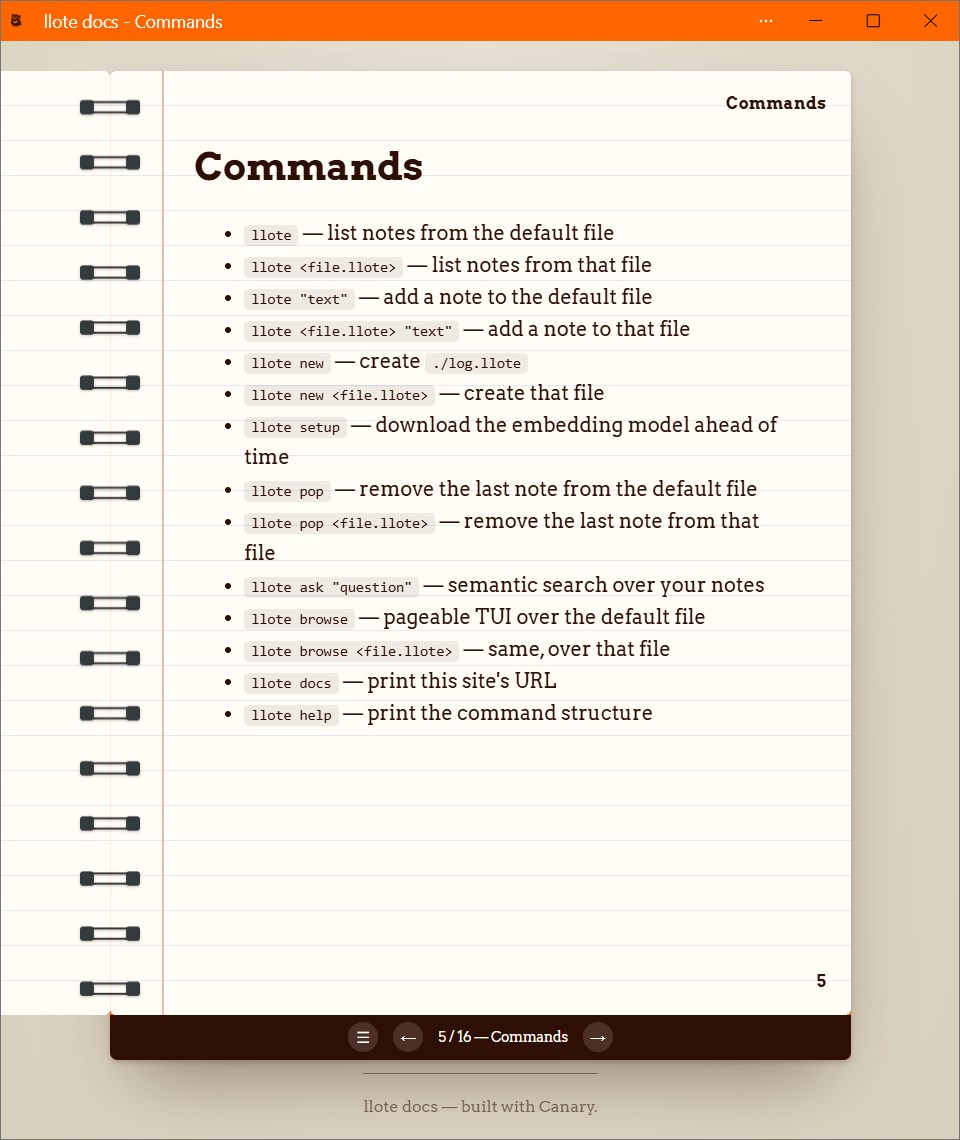
- Single-line notes can be added directly from the command line with
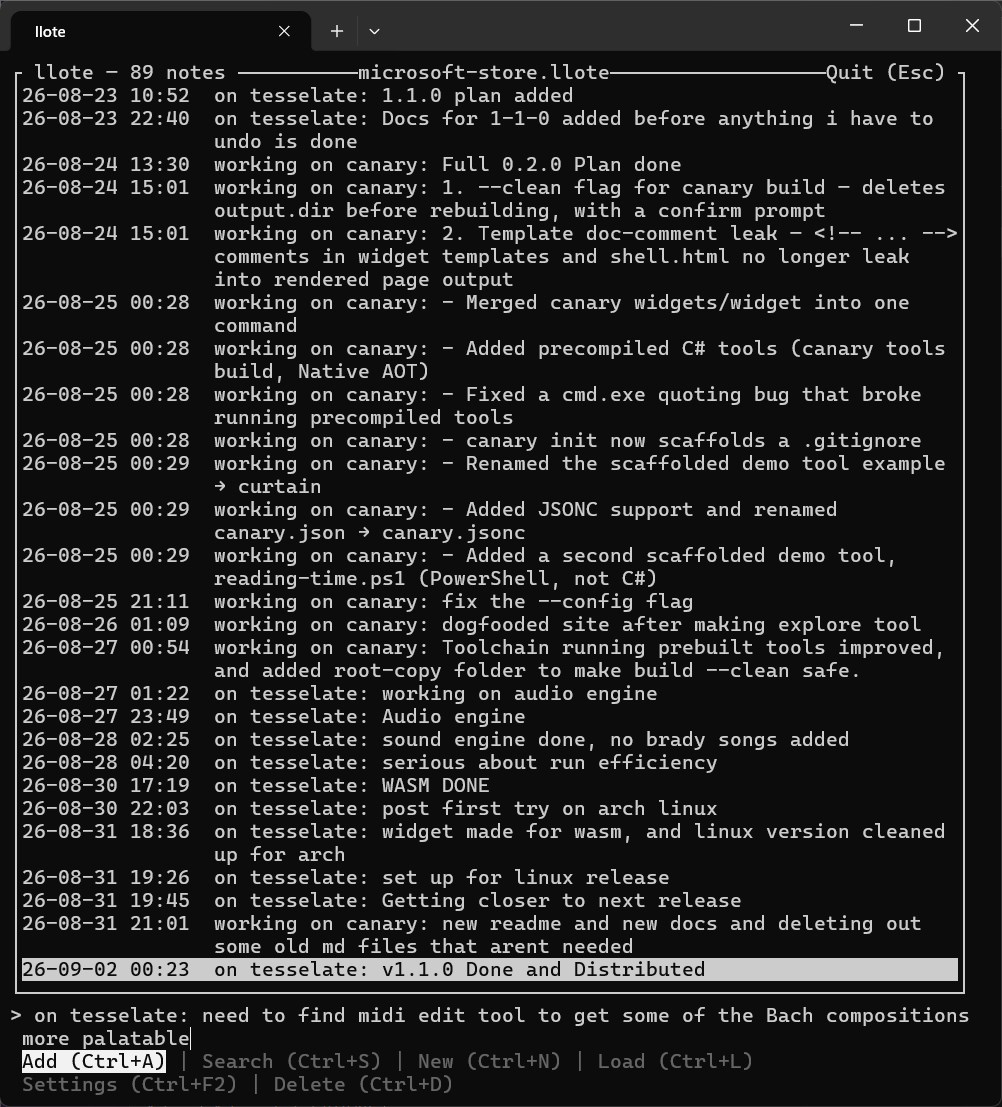
llote "note contents". You can also specify a file. llote asksearches by meaning, not exact wording, using an embedding model. It returns your note verbatim. AI is used only for search.llote browseis a pageable TUI for adding, searching, and reading the file.- Notes stay on disk as plain text; the embedding model downloads once (~100MB) and then works offline.
- By default, notes go to a local
log.llote, or to a global default if a local file doesn't exist. - As plain text,
.llotefiles that play nicely with Git and AI assistants.
Quick start
Why Microsoft Store only?
My original plan was to release llote both here and on the Microsoft Store. What changed is that, like a lot of software projects, once the first version was out I came up with all sorts of improvements and refinements I wanted to add. llote is a side project, and I decided to spend the time I have for it on new features instead of testing and maintaining installers. The Microsoft Store won out because, hopefully, more people will find llote there than in this small corner of the internet.
llote is free to use. Copyright 2026 Habersoft.